How to Use BlockAway on iPhone and Android (2026 Guide)
Key Takeaways
- BlockAway works directly in your mobile browser — no app download needed.
- It unblocks websites using a built-in proxy on both iOS and Android.
- Setup takes under two minutes on any smartphone.
BlockAway is a free web proxy that lets you access blocked websites from any device, including iPhone and Android. Unlike VPNs, it requires no installation — you simply open the site, enter a URL, and browse. This guide covers exactly how to use BlockAway on mobile, what to expect, and how to fix common issues.
What Is BlockAway?
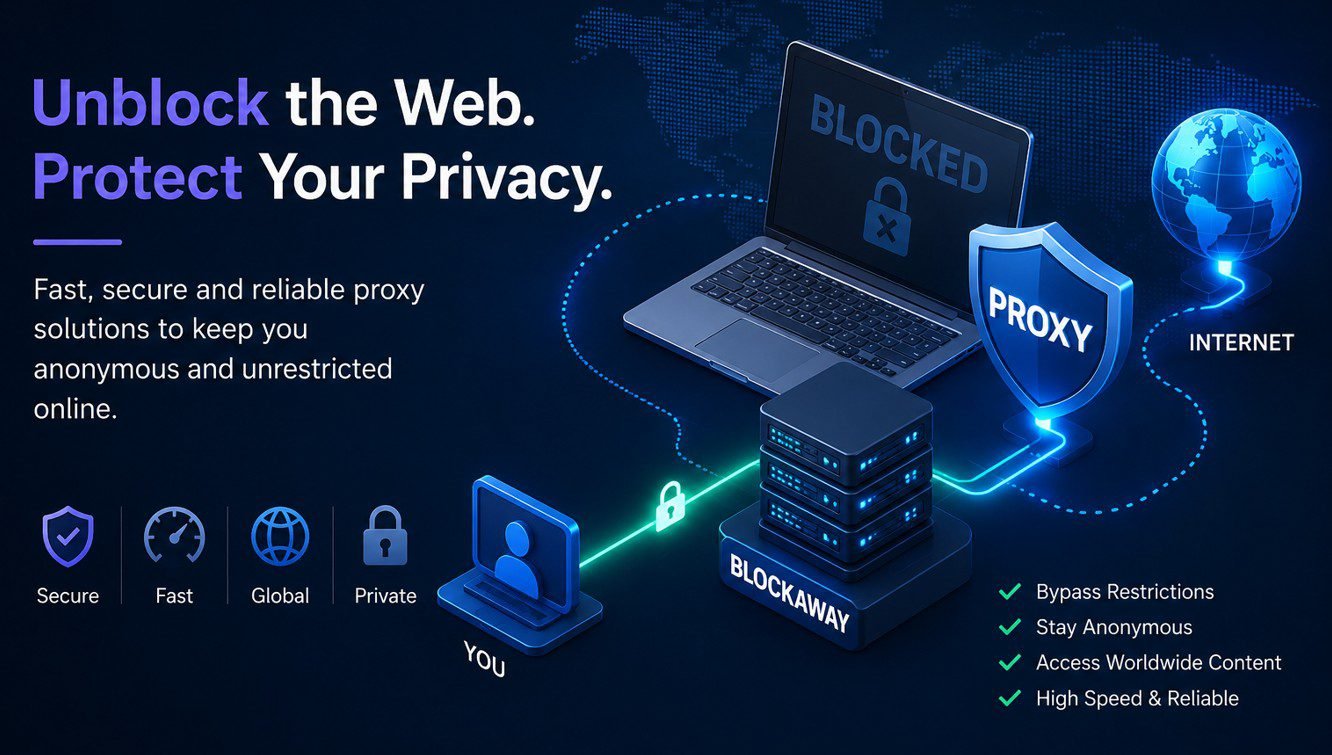
BlockAway is a browser-based proxy service. It routes your web traffic through its own servers, masking your real IP address and bypassing regional or network-level restrictions. Because it runs inside your browser, it works on any device without needing an app.
How to Use BlockAway on iPhone
Step 1: Open Safari or Chrome on Your iPhone
Launch any browser on your iPhone. Safari, Chrome, and Firefox all work. BlockAway runs entirely in-browser, so no app installation is required.
Step 2: Visit the BlockAway Website
Go to blockaway.net in your browser’s address bar. The site loads a simple proxy interface with a URL input field.
Step 3: Enter the Blocked Website URL
Type or paste the full URL of the site you want to access — for example, youtube.com or reddit.com. Tap the Go or Browse button.
Step 4: Browse the Unblocked Site
BlockAway loads the page through its proxy. You can now browse freely. Navigation within the site also routes through BlockAway automatically.
How to Use BlockAway on Android
Step 1: Open Chrome or Any Browser
On Android, open Chrome, Firefox, or Samsung Internet. All major mobile browsers are compatible.
Step 2: Navigate to blockaway.net
Type blockaway.net into the address bar and load the page. The interface is mobile-responsive and works on all screen sizes.
Step 3: Enter Your Target URL
Paste the address of the website you want to unblock. Tap the access button to route traffic through BlockAway’s proxy servers.
Step 4: Use the Site Normally
The blocked site opens within BlockAway’s proxy frame. You can interact with it as you normally would, including logging in to most services.
Tips for Better Performance on Mobile
- Use Wi-Fi — proxy connections over cellular can be slower.
- Clear browser cache if the site fails to load properly.
- Try a different server if BlockAway offers server selection — some servers are faster for specific regions.
- Disable browser extensions that may interfere with proxy frames.
Limitations of BlockAway on Mobile
BlockAway handles standard websites well. However, certain limitations apply on mobile:
- Video streaming may buffer due to proxy overhead.
- Some sites with strict HTTPS policies block proxy access.
- Mobile apps cannot route through BlockAway — only browser-based access works.
FAQ
Does BlockAway work on iPhone without downloading an app?
Yes. BlockAway runs entirely in your iPhone’s browser. No App Store download is required.
Is BlockAway safe to use on Android?
BlockAway is generally safe for casual browsing. Avoid entering sensitive login credentials through any public proxy, as traffic routing is handled by third-party servers.
Why is BlockAway slow on my phone?
Proxy connections add latency. A slower mobile network or overloaded proxy server can reduce speed. Try switching servers or connecting via Wi-Fi.
Can I use BlockAway to access YouTube on iPhone?
Yes, you can access YouTube through BlockAway in your mobile browser, though video performance depends on your connection speed.
Does BlockAway work on school Wi-Fi on Android?
It often does, since BlockAway uses HTTPS and appears as regular web traffic. However, some school networks use advanced filtering that may block proxy services.
What is the difference between BlockAway and a VPN on mobile?
A VPN encrypts all device traffic at the OS level. BlockAway only proxies browser sessions — it is simpler and requires no setup, but offers less privacy and coverage.
Can I bookmark BlockAway on my home screen?
Yes. On iPhone, use Safari’s “Add to Home Screen” option. On Android, Chrome allows you to add any site as a shortcut.
Final Thoughts
BlockAway is one of the fastest ways to unblock websites on mobile without installing anything. It works reliably on both iPhone and Android for everyday browsing — social media, news sites, and general web access. For more sensitive activity or consistent performance, a dedicated VPN offers stronger protection and speed. But for quick, no-setup access from your phone, BlockAway remains a practical option in 2026.