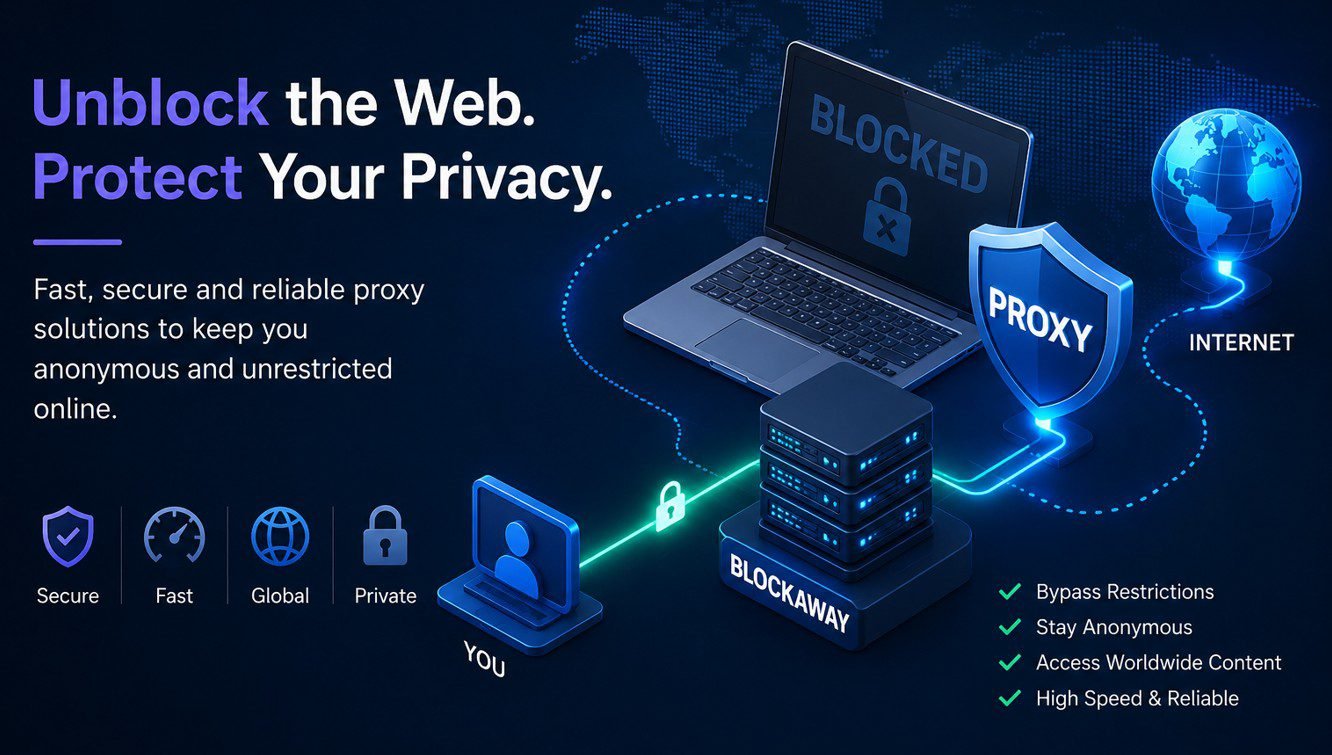
There is no separate BlockAway app to install — BlockAway runs entirely through your web browser, on any device, with no download required. Searches for a “BlockAway app” usually come from people expecting an installable tool similar to a VPN app, but the service is built as a browser-based proxy on purpose: fewer permissions, faster updates, and nothing left behind on a shared or school-managed device.
Key Takeaways
- BlockAway has no official Android or iOS app; it works inside Chrome, Safari, Firefox, or Edge.
- Being browser-only means it only reroutes traffic from that browser tab — not other apps on your phone.
- On locked-down school or work devices, a browser tool is usually easier to reach than an app, which app-store or MDM restrictions often block outright.
- If you need a system-wide, app-level connection (for gaming, streaming apps, or background traffic), a full VPN app is a better fit than any web proxy.
Why BlockAway Doesn’t Have a Dedicated App
Free web proxies like BlockAway work by acting as a middleman for your browser’s requests: you type a URL into BlockAway’s site, and it fetches that page on your behalf before displaying it back to you. That entire process happens inside a browser tab, so there’s nothing to “install” — the tool is the website. This is the same architecture used by most free unblocking tools, including CroxyProxy, which BlockAway is regularly compared against.
An app, by contrast, needs to be built, submitted to app stores, reviewed, and updated on its own release cycle — and on iOS in particular, Apple’s rules make it hard for a free proxy tool to stay listed for long. Staying browser-only avoids all of that overhead.
BlockAway Browser Version vs a Hypothetical App
| Factor | Browser Version (Actual) | Dedicated App (Not Available) |
|---|---|---|
| Setup time | Instant — just open the site | Would require download + install |
| Device storage used | None | 10–40MB typical for a proxy/VPN app |
| Works on school/work Chromebooks | Yes, if the site itself isn’t blocked | Usually blocked by device management policies |
| Covers traffic outside the browser | No — browser tab only | Yes, system-wide |
| Update process | Automatic, server-side | Manual app updates required |
| Battery/background usage | None when tab is closed | Can run in background |
When the Browser Version Is Enough
For the most common reasons people search for BlockAway — reaching a blocked school or office website, watching a region-locked video, or browsing a site anonymously for a few minutes — the browser version does the job with zero setup. It’s also the safer default on a device you don’t fully control, since it doesn’t request system-level permissions.
When You’d Actually Want an App Instead
If you need protection for an entire device — every app, every background connection, not just one browser tab — a proxy website can’t help. That’s a job for a full VPN app. See our BlockAway vs VPN comparison for how the two approaches actually differ in coverage and security, not just naming.
Expert Insight
Security researchers who test free proxy tools consistently note the same trade-off: browser-based proxies are lower-risk precisely because they can’t touch anything outside the tab, while apps that request broad permissions carry more risk if the developer is unclear about data handling. For a free, no-signup tool, “less access” is usually the safer design choice, not a missing feature.
Common Mistakes
- Searching app stores for “BlockAway” and installing an unrelated app that only shares the name — always confirm you’re on blockaway.in directly.
- Expecting BlockAway to protect apps like games or streaming apps outside the browser — it only affects browser traffic.
- Assuming closing the browser “logs you out” of anything — there’s no account, so there’s nothing to log out of.
Conclusion
BlockAway’s browser-only design isn’t a limitation to work around — it’s the reason it can stay free, fast to update, and low-risk to use on a shared device. If your goal is quick access to one blocked site, stick with the browser version. If you need full-device coverage, a VPN app is the right tool, and it’s worth comparing the two properly before you decide.
Frequently Asked Questions
Is there an official BlockAway app for Android or iOS?
No. BlockAway is a browser-based proxy service and does not currently offer a dedicated Android or iOS app. It works directly inside your mobile or desktop browser.
Can I use BlockAway on my phone without an app?
Yes. Open your phone’s browser (Chrome, Safari, or similar), go to blockaway.in, and use it exactly as you would on a desktop — no installation required.
Why do some app stores show apps called “BlockAway”?
Those are typically unrelated third-party apps using a similar name, not the official service. Only blockaway.in is the verified BlockAway proxy.
Does the browser version protect all my apps, not just the browser?
No. A browser-based proxy only reroutes traffic from that specific browser tab. Other apps on your device continue to use your real IP address.
Is the BlockAway browser version safe to use on a school Chromebook?
It works the same as any website, so if the school network hasn’t blocked blockaway.in itself, it will load normally. Always follow your school’s or employer’s acceptable-use policy.
Will BlockAway ever launch a dedicated app?
There’s no public roadmap confirming this. If that changes, it would be announced through the official blockaway.in site rather than a third-party app listing.