Unblocking Facebook using BlockAway is straightforward — and for millions of users, it is the first proxy use case they ever try. Facebook is blocked in more countries and on more managed networks than any other social platform. China has blocked it since 2009. Schools and workplaces worldwide add it to content filters routinely. Using BlockAway to unblock Facebook takes under a minute and works directly in any browser with no software installation. This guide covers every aspect of using BlockAway for Facebook access, from the basic setup to the specific features that work and those that have limitations.
Why Facebook Is So Widely Blocked
Facebook holds the distinction of being the most blocked social media platform globally. The reasons span every type of restrictor. Schools block it because it is the quintessential social distraction — no content filter manufacturer needs to justify adding facebook.com to a default block list. Workplaces block it for productivity, bandwidth, and because Facebook Messenger represents an unmonitored communication channel on corporate networks.
At the government level, Facebook is blocked in China, Iran, North Korea, and Cuba permanently. It has been subject to temporary government-ordered shutdowns in Bangladesh, Ethiopia, Uganda, and Indonesia at various points. Facebook’s role in political communication makes it a target for governments seeking to restrict information flow during elections or civil unrest — consequently, temporary blocks happen far more frequently for Facebook than for almost any other platform.
Step-by-Step: Unblock Facebook With BlockAway
- Open a private or incognito browser window — Clears any cached Facebook session that could conflict with the proxied connection
- Navigate to blockaway.net — If your network also blocks blockaway.net, switch to your phone’s mobile data before accessing BlockAway
- Type https://www.facebook.com in the URL field — use the full URL including https:// and www.
- Select a server location — Any server works for school or workplace blocks. For country-level bans like China or Iran, choose a US, European, or Singapore server
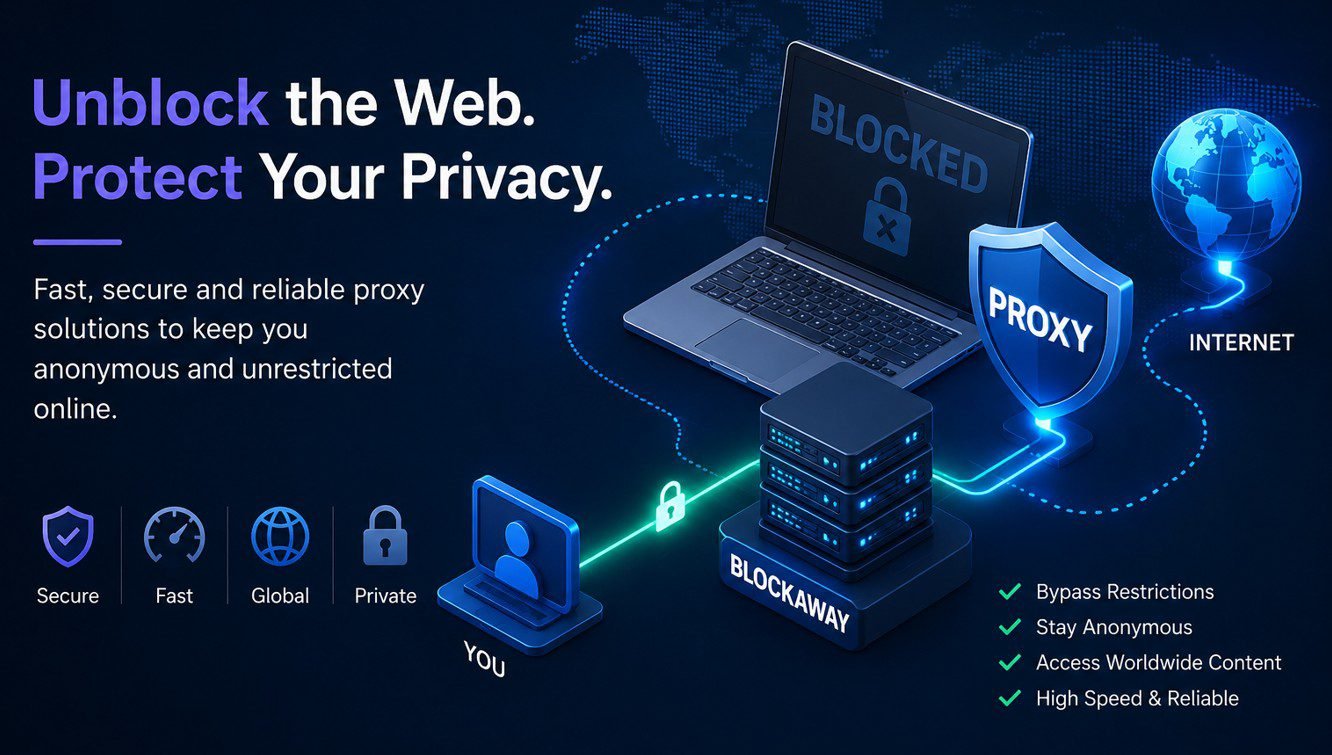
- Click Browse — Facebook’s homepage loads through BlockAway’s servers. Your network’s filter sees only a connection to BlockAway, not to facebook.com
Facebook Features Through BlockAway: What Works
| Feature | Works Through BlockAway? | Notes |
|---|---|---|
| News Feed (text posts) | Yes | Text content loads reliably |
| Viewing photos | Yes | Images generally load correctly |
| Facebook Marketplace browsing | Yes | Listing pages work well |
| Groups — reading posts | Yes | Public groups accessible without login |
| Facebook Messenger (text) | Yes — with login | Text chat works; voice/video calls do not |
| Facebook Videos | Partial | Short videos may play; long videos buffer heavily |
| Facebook Live | No | Live streaming requires direct connection |
| Voice and video calls | No | WebRTC-based — not supported through web proxy |
| Posting updates and photos | Yes — with login | Works through the proxy with login |
Facebook’s Mobile Site: A Better Proxy Experience
Facebook’s full desktop interface is JavaScript-heavy and can be slow or partially broken through a proxy. The mobile version of Facebook — accessible at https://m.facebook.com — is a significantly lighter, simpler interface that works more reliably through any browser proxy.
Enter https://m.facebook.com in BlockAway’s URL field instead of www.facebook.com. The mobile interface loads faster, renders more cleanly through the proxy’s URL rewriting, and provides access to all the core features — news feed, messages, groups, and notifications — without the performance overhead of the desktop interface. This is the recommended approach for Facebook through any proxy.
Facebook in China: What You Need to Know
Facebook has been blocked in China since 2009 under the Great Firewall. For users inside China, browser-based proxies like BlockAway provide access to Facebook’s web interface with some important caveats.
China’s Great Firewall uses deep packet inspection (DPI) — an advanced technique that analyses the patterns of encrypted traffic rather than just checking domain names. This means China’s filter can identify and block proxy traffic even when the specific domain (blockaway.net) is not on a blocklist, by recognising the traffic signature of a web proxy. Consequently, BlockAway works less reliably within China than it does for simple school or workplace blocks.
For users in China who need consistent Facebook access, a VPN with obfuscation technology — which disguises VPN traffic as regular HTTPS — is significantly more reliable than any free proxy. See: BlockAway vs VPN — What’s the Real Difference.
Logging Into Facebook Through a Proxy
Logging into Facebook through BlockAway works technically, but Facebook’s security systems are sensitive to logins from new or unusual IP addresses. When you log in through BlockAway, Facebook sees a server IP it has never associated with your account. Facebook frequently responds by requiring you to confirm your identity through a verification code sent to your phone or email, or by showing you a CAPTCHA and asking you to identify photos of friends.
Additionally, if Facebook’s automated systems detect multiple accounts logging in from the same proxy server IP — which is likely since BlockAway’s servers are shared — it may temporarily restrict login attempts from that IP. If you encounter repeated login failures, try switching to a different server location in BlockAway. Furthermore, never enter your Facebook password through a proxy if you are concerned about security — for sensitive accounts, use mobile data directly.
Frequently Asked Questions
Does BlockAway work for Facebook in China?
Partially. BlockAway can provide access to Facebook’s web interface in China, but reliability varies because China’s Great Firewall uses deep packet inspection that can identify proxy traffic patterns. For consistent Facebook access in China, a VPN with obfuscation is more reliable. BlockAway works better for simple school and workplace blocks than for government-level firewall circumvention.
Can I use Facebook Messenger through BlockAway?
Text messaging through Facebook Messenger works when you are logged in through BlockAway. Voice and video calls in Messenger use WebRTC and cannot be routed through a web proxy. If you need voice or video Messenger calls, a VPN or switching to mobile data is required.
Why does Facebook ask me to verify my identity when using BlockAway?
Facebook detects that the login is coming from an IP address it has not previously associated with your account — BlockAway’s server IP rather than your usual IP. This triggers Facebook’s account security system, which requires identity verification before granting access. This is expected behaviour when logging into any account through a proxy and is not a sign that anything is wrong with the proxy itself.
Is https://m.facebook.com better for proxy access than www.facebook.com?
Yes. The mobile Facebook interface at m.facebook.com uses simpler code, fewer JavaScript-heavy components, and loads significantly faster through a proxy. Rendering reliability is also higher — fewer elements break compared to the full desktop interface. For any browser-based Facebook proxy access, m.facebook.com is the recommended URL.
What are the best alternatives to BlockAway for Facebook access?
CroxyProxy handles Facebook’s dynamic content loading well and is a strong first alternative if BlockAway is blocked on your network. Proxyium is fast and reliable for Facebook’s text-based feeds. For full Facebook access including Messenger calls, voice, and video, a VPN is necessary. See: 10 Best BlockAway Alternatives.
Is Facebook blocked in Indonesia?
Facebook is not permanently blocked in Indonesia, but it has been subject to temporary access restrictions during periods of social unrest and has had data throttling applied at certain points. Indonesian users — one of BlockAway’s largest audience groups — regularly use proxy services to access Facebook during temporary restrictions and slowdowns. BlockAway’s .in domain and Indonesian language support via wpLingua make it a natural choice for Indonesian users encountering these restrictions.