What Is My ISP? How to Find Your Internet Service Provider
Key Takeaways
- Your ISP is the company providing your internet connection — visible to every site you visit.
- You can identify your ISP instantly using an IP lookup tool.
- Your ISP can see your browsing activity unless you use a VPN or encrypted DNS.
Your ISP — Internet Service Provider — is the company that supplies your internet connection. Every time you visit a website, your ISP’s identity is attached to your IP address. Knowing who your ISP is matters for troubleshooting connectivity issues, understanding your privacy exposure, and checking whether a VPN is working correctly.
How to Find Your ISP Instantly
The fastest method is to use a free IP lookup tool:
- Open your browser and visit whatismyip.com, ipleak.net, or whoer.net.
- The page loads your current IP address and displays your ISP name alongside it.
- You’ll also see your approximate location — typically your city or region.
No sign-up or download is required. The result appears within seconds.
How to Find Your ISP on Windows
You can also look up your ISP directly from Windows without visiting a website:
- Press Windows + R, type
cmd, and press Enter. - Type
nslookup myip.opendns.com resolver1.opendns.comand press Enter. - Note the IP address returned, then search it on ipinfo.io to see the ISP it belongs to.
How to Find Your ISP on Mac or iPhone
On macOS, open Terminal and type curl ifconfig.me to get your public IP. Then visit ipinfo.io and enter that IP address to retrieve your ISP information. On iPhone, the fastest approach remains visiting whatismyip.com in Safari or Chrome.
What Information Does Your ISP See?
Understanding what your ISP can observe matters for privacy decisions:
- Your IP address — always visible; it’s how your ISP routes traffic to you.
- DNS queries — which domain names you look up, even if the page content is encrypted.
- Unencrypted HTTP traffic — full page content on sites without HTTPS.
- Metadata — timestamps, data volume, and connection patterns, even on encrypted connections.
Your ISP cannot see the content of HTTPS pages, but it can see that you visited a particular domain. In many countries, ISPs are legally required to log and store this data for a period of time.
Does a VPN Hide My ISP?
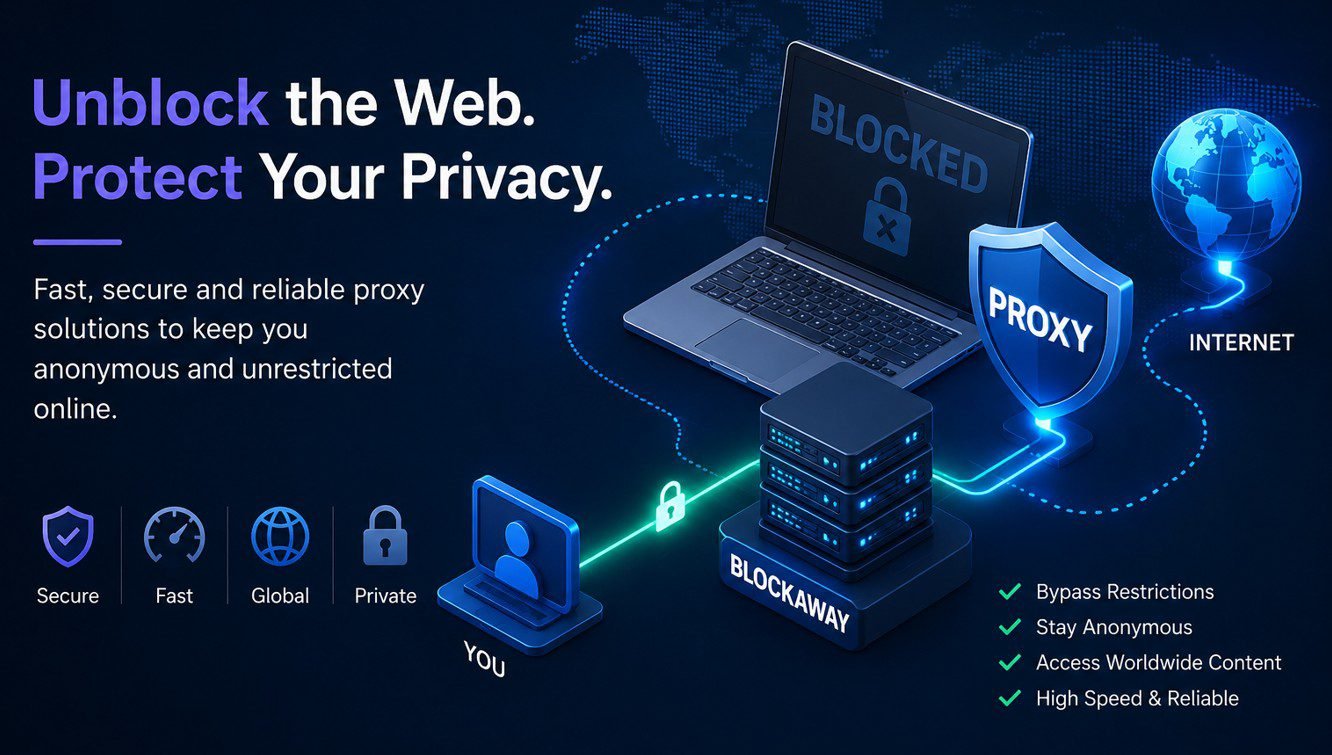
A VPN masks your ISP from websites and services you visit. Instead of seeing your actual ISP, external sites see the VPN provider’s IP and ISP. However, your VPN provider itself can see your traffic — which is why choosing a no-logs VPN matters if privacy is your goal.
Your real ISP can still see that you are connected to a VPN server, though not the content of what you access through it.
Why Your ISP Appears in VPN Tests
If you run a DNS leak test and your real ISP appears in results while connected to a VPN, it means DNS queries are leaking outside the VPN tunnel. This exposes your browsing to your ISP despite the VPN connection. Enable DNS leak protection in your VPN settings to fix this.
Common ISPs by Country
| Country | Major ISPs |
|---|---|
| USA | Comcast, AT&T, Verizon, T-Mobile |
| UK | BT, Virgin Media, Sky, TalkTalk |
| India | Jio, Airtel, BSNL, ACT Fibernet |
| Indonesia | Telkom Indonesia, IndiHome, Biznet |
| Australia | Telstra, Optus, TPG, iiNet |
FAQ
Can I hide my ISP from websites?
Yes. A VPN replaces your ISP’s IP with the VPN server’s IP. Websites see the VPN provider’s ISP instead of yours. Tor also achieves this, routing traffic through multiple nodes so no single server knows both your identity and destination.
Why does my ISP show a different city than where I live?
ISPs often route traffic through regional data centres. Your IP may be registered to the city where your ISP’s infrastructure is based, not your physical address.
Does my ISP know what I download?
Your ISP can see connection metadata, including the domains and servers you connect to. With deep packet inspection, some ISPs can identify traffic types. A VPN or encrypted connection prevents this analysis.
Can I change my ISP without moving?
In most regions with competitive broadband markets, yes. Contact alternative providers available in your area. In some locations, only one ISP may offer service at your address.
Does using Incognito mode hide my activity from my ISP?
No. Incognito only prevents your browser from storing local history. Your ISP can still see all traffic from your connection regardless of browser mode.
What is the difference between my ISP and my IP address?
Your ISP is the company providing your connection. Your IP address is the numerical identifier assigned to your device by that ISP for routing internet traffic. They are related but distinct — your ISP manages and assigns your IP.
Final Thoughts
Finding your ISP takes seconds with any IP lookup tool. More importantly, understanding what your ISP can see — and when they can see it — is essential for making informed privacy decisions. If reducing ISP visibility matters to you, a no-logs VPN is the most practical solution available in 2026, offering meaningful protection without complex technical setup.